

A Guide for Swim School Parents

With the transition from the old ActiveSG app to the new MyActiveSG+ platform, it’s important for all parents to create an account to manage swimming pool entry, facility bookings, and SwimSafer-related updates.
Follow this simple step-by-step guide to set up your MyActiveSG+ account and stay connected with your child’s swim journey.
Read the article on ‘Transitioning: From ActiveSG to MyActiveSG+ (Swimming Facility Updates)‘
🔗 Step-by-Step Guide to Link Your Child:
- Log in to MyActiveSG+ using your SingPass
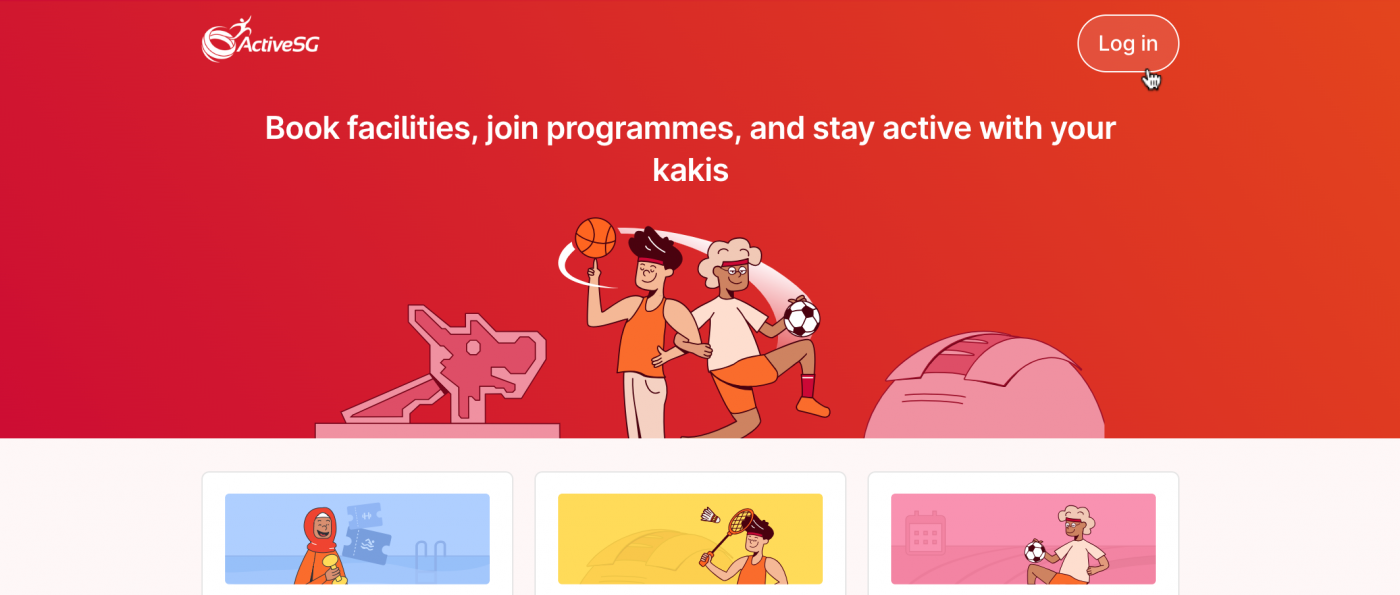
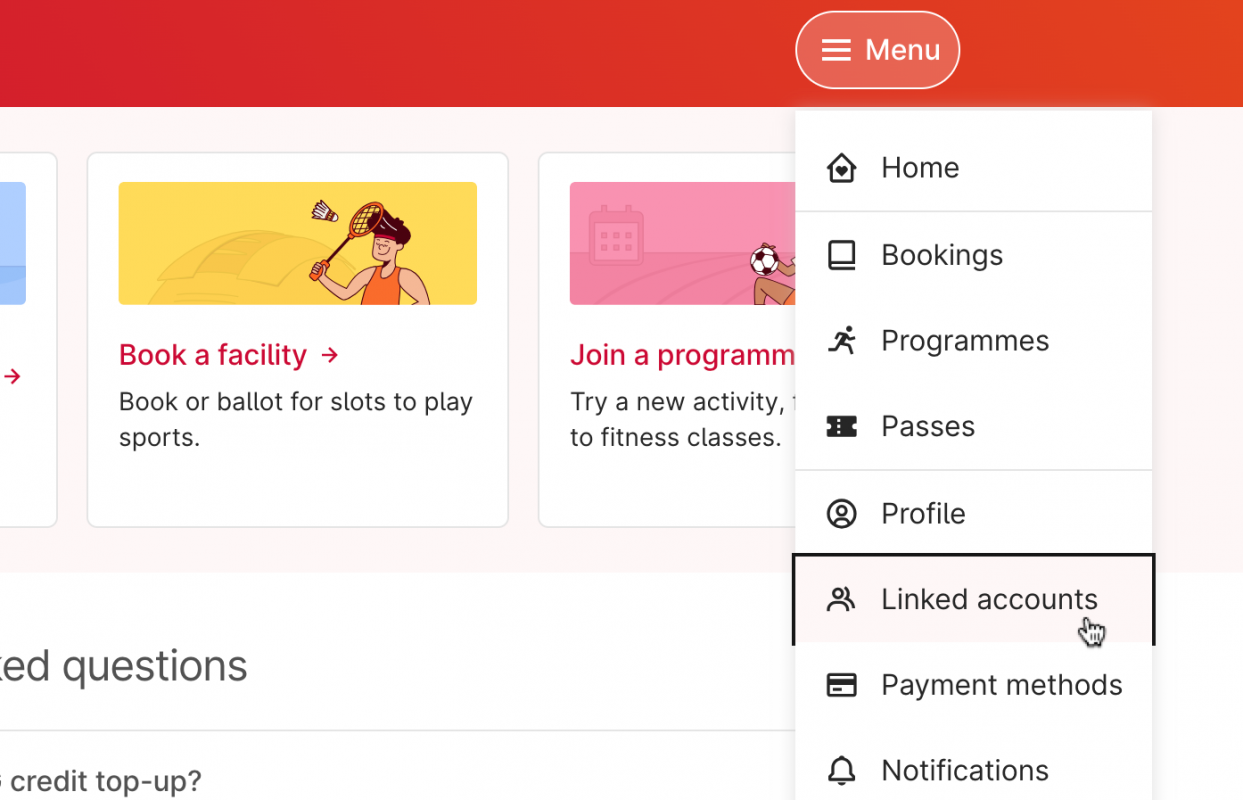
2. Under the Menu, select “Linked Accounts”
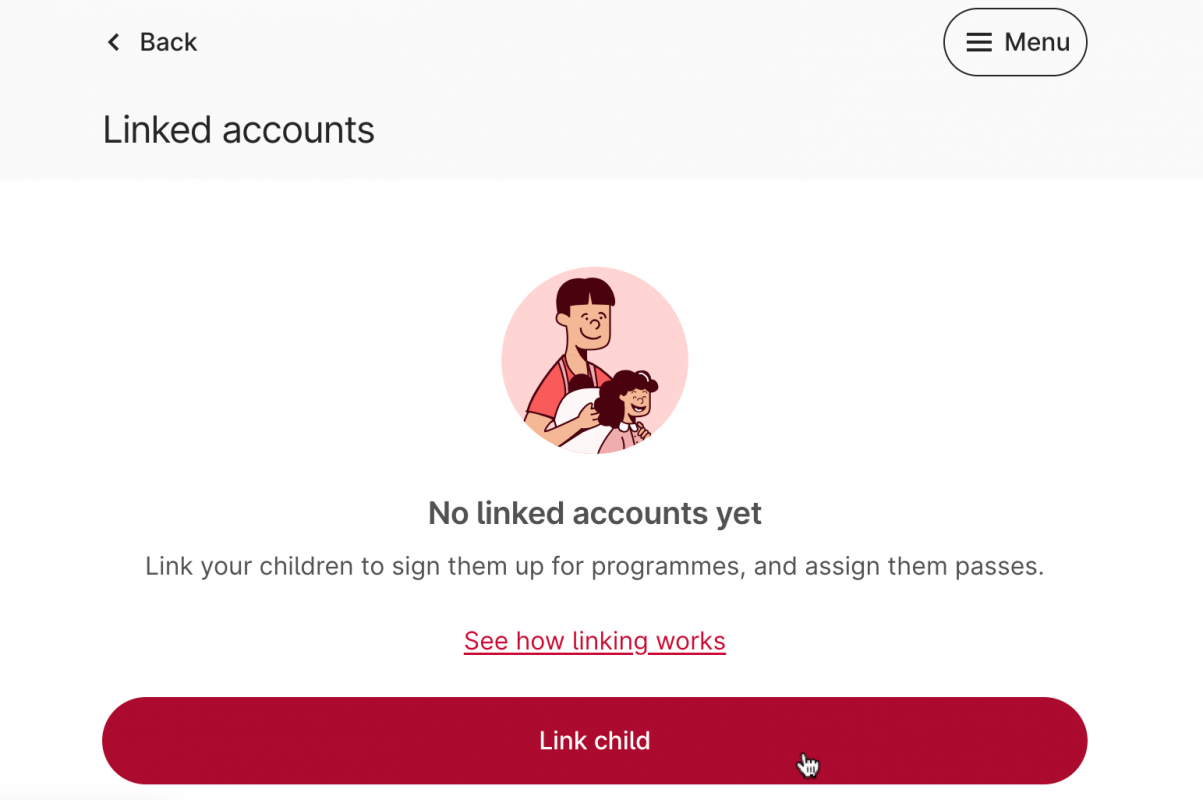
3. Tap “Link Child”
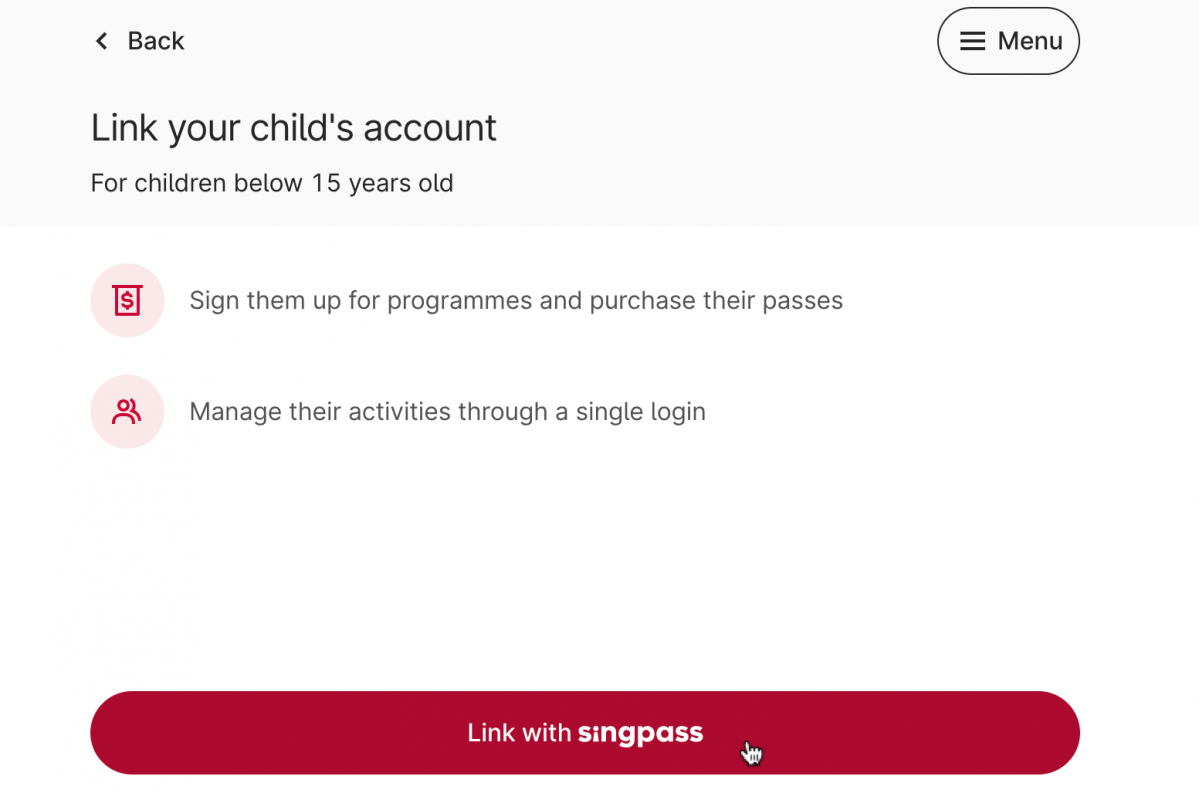
4. Select “Continue to Link with Singpass”
5. Tap “Link Account” to confirm, and you are all set!
MyActiveSG+ will retrieve your child’s details through SingPass.
If you have more than one child, you can choose which child to link.
💡 What You Can Do After Linking:
- Purchase swim or gym passes for your child using their ActiveSG credits
- Both parents can link to the same child, allowing you to see what passes the other has purchased
- Children can use passes you’ve purchased for them immediately
Note for Older Children:
If your child is 21 years or older, they must have their own MyActiveSG+ account. You can send them a link request, which they’ll need to accept before the account is connected.
🏊♀️ How Your Child Can Access the Gym or Pool
Once you’ve linked your child and purchased their swim or gym passes, they’ll be able to enter ActiveSG facilities easily. Here’s how:
✅ If Scanners Are Available:
Your child can choose any of the following:
- Scan the QR code on their pass via the MyActiveSG+ app
- Scan a screenshot of the QR code (no need to open the app each time)
- Scan their student pass, if it’s linked to their ActiveSG account
👋 If Scanners Are Not Available:
- Show the live pass on MyActiveSG+ to a staff member
- Present their student pass to the staff for manual verification
No matter the method, make sure your child knows where to find their pass or bring their student ID along for smooth entry. If you’re unsure whether a facility uses scanners, feel free to check with staff onsite.

ℹ️ Need Help?
If you have questions or need assistance, feel free to reach out to our team. We’re happy to help you through the process so your swim journey stays smooth and hassle-free!
Check out the official guides and FAQs here:
👉 MyActiveSG+ Support – SwimSafer & More
💬 Stay Connected With Us
For more updates, fun photos, and upcoming events:
📍 Follow us on Facebook
📸 Follow us on Instagram